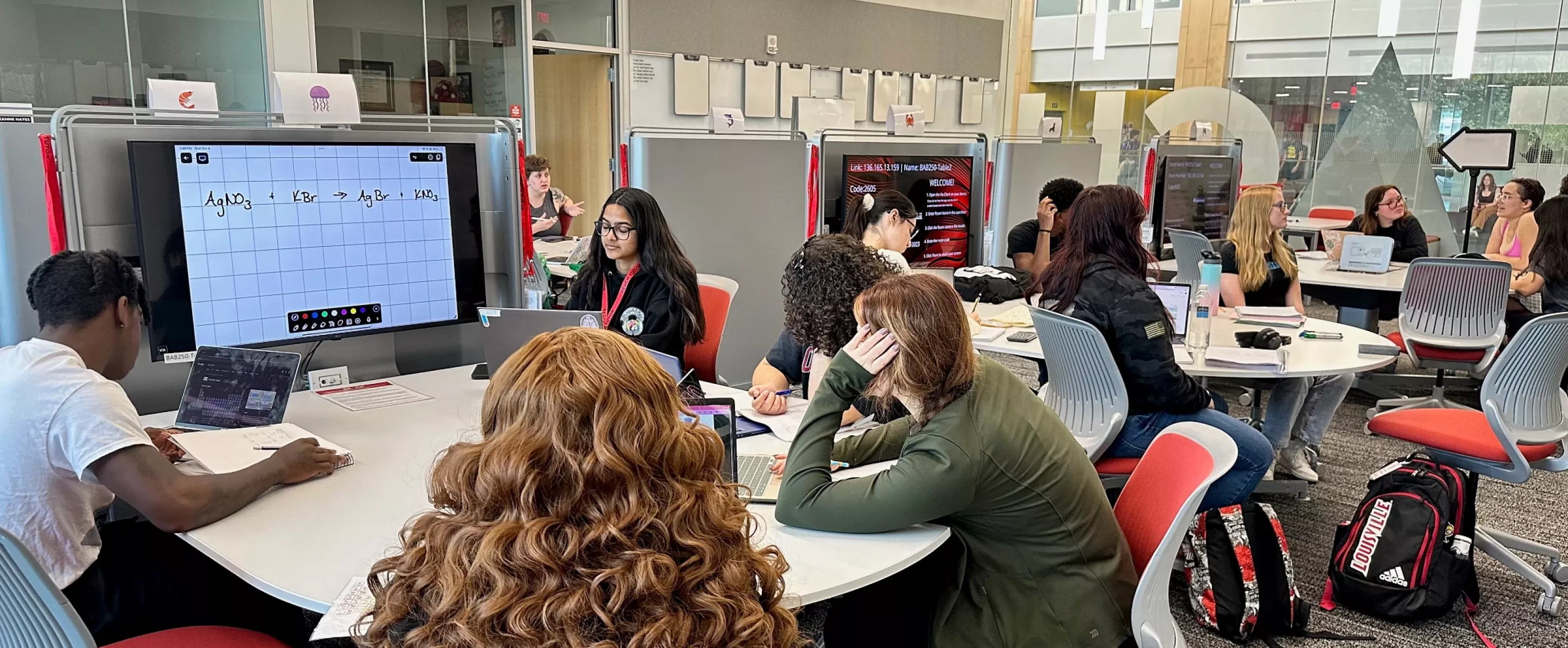
Students attending tutoring in REACH

Tutoring

Sidebar

Does REACH offer tutoring for my course?

REACH provides tutoring for a variety of 100, 200 and some 300 level courses. To see if we offer tutoring for your course use the table below. Courses are listed alphabetically. You can also utilize the search feature to search for your class. To best use the search feature search by course abbreviation and number. For example, to search for Biology 102 section 2, you could search for BIOL 102-02.

alert-outline

For scheduled appointments we need at least 24 hours lead time. Some appointments will take longer to get scheduled.

Check to see if REACH offers support for your course:

Learning Resource Center (LRC) - Locations in BAB 250 and Ekstrom Library.

The Learning Resource Center operates on an appointment based system. To schedule an appointment please use the LRC Request Form Below. Please list as many times and days as possible to guarantee a quick match. Please allow 24-48 hours to requests to be processed.

LRC Request Form

Peer Assisted Learning (PAL) - Various Locations

Visit the link below and sign in with your UofL username and password. You will be required to use UL2FCTR (Duo) as seconadary authentication when signing in. You may be asked to confirm or complete you TracCloud bio (first visit of the academic year).

https://reachtutor.louisville.edu

On the TracCloud dashboard, you will use the appointment search module(s) to find drop-in times.

Select your course and then click "Search."

A few tips: If you want to narrow down your search results click the breadcrumb button [...] on the top-right of your results to narrow to drop-in.

Drop-In times show up in the TracCloud search results in a LIGHT BLUE box, and are listed with the appointment type "drop-in." From this screen you can see the course that you selected at the top, the time and the location.

You can't book a drop-in time, but you can tell TracCloud you want a text message reminder of that drop in. Here's how to make that happen:

  • Select the tile that shows the time you want a reminder for.
  • Click "Sign up for an SMS Reminder..."
  • Verify that the reminder details are correct (update the phone number and/or time you want your reminder).

Math Resource Center (MRC) - BAB 241

Visit the link below and sign in with your UofL username and password. You will be required to use UL2FCTR (Duo) as seconadary authentication when signing in. You may be asked to confirm or complete you TracCloud bio (first visit of the academic year).

https://reachtutor.louisville.edu

On the TracCloud dashboard, you will use the appointment search module(s) to find drop-in times.

Select your course and then click "Search."

A few tips: If you want to narrow down your search results click the breadcrumb button [...] on the top-right of your results to narrow to drop-in.

Drop-In times show up in the TracCloud search results in a LIGHT BLUE box, and are listed with the appointment type "drop-in." From this screen you can see the course that you selected at the top, the time and the location.

You can't book a drop-in time, but you can tell TracCloud you want a text message reminder of that drop in. Here's how to make that happen:

  • Select the tile that shows the time you want a reminder for.
  • Click "Sign up for an SMS Reminder..."
  • Verify that the reminder details are correct (update the phone number and/or time you want your reminder).


CAPTCHA
This question is for testing whether or not you are a human visitor and to prevent automated spam submissions.